1. How to Create a New Requisition Approval Process
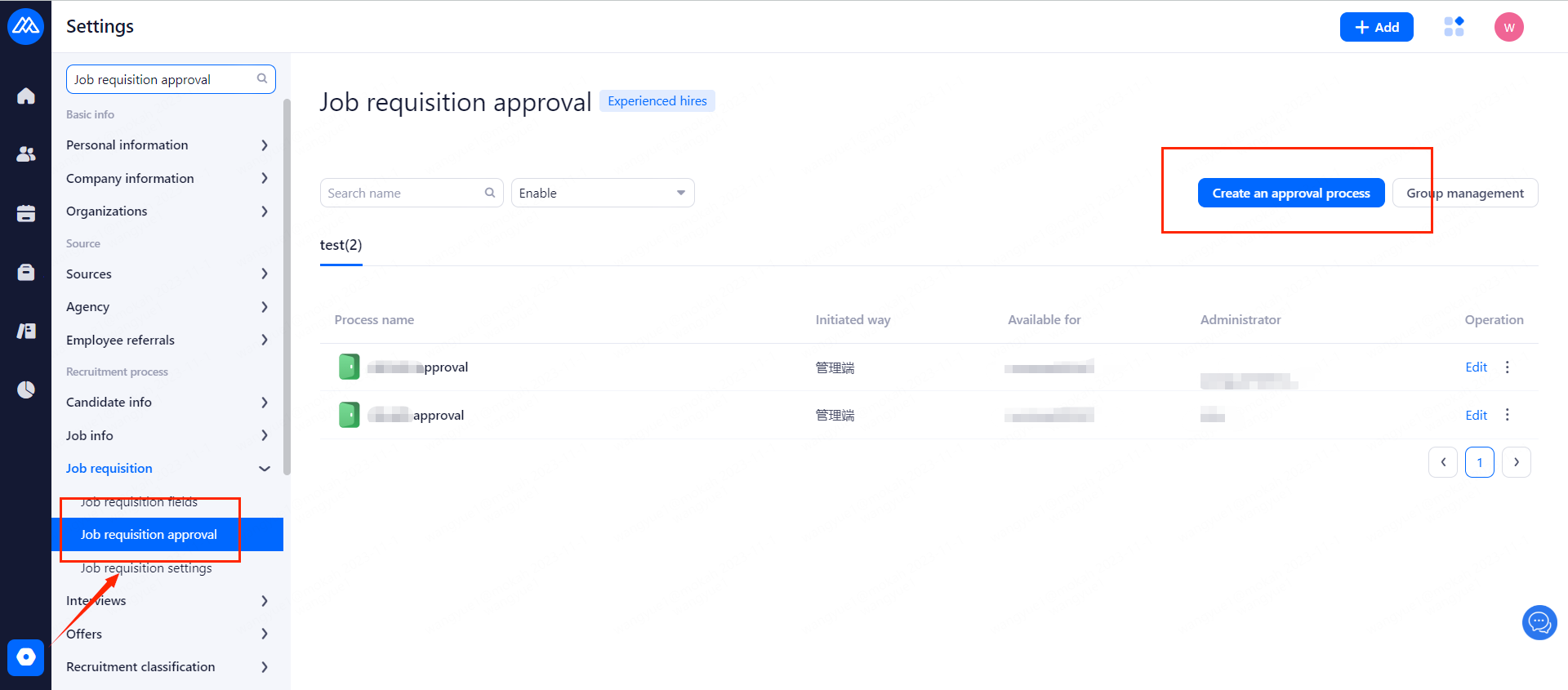
1.1 Operation Path:
[Settings]--[Job requisiton Approval]--[Create an approval process]
You can manage your requisition approval processes in groups.
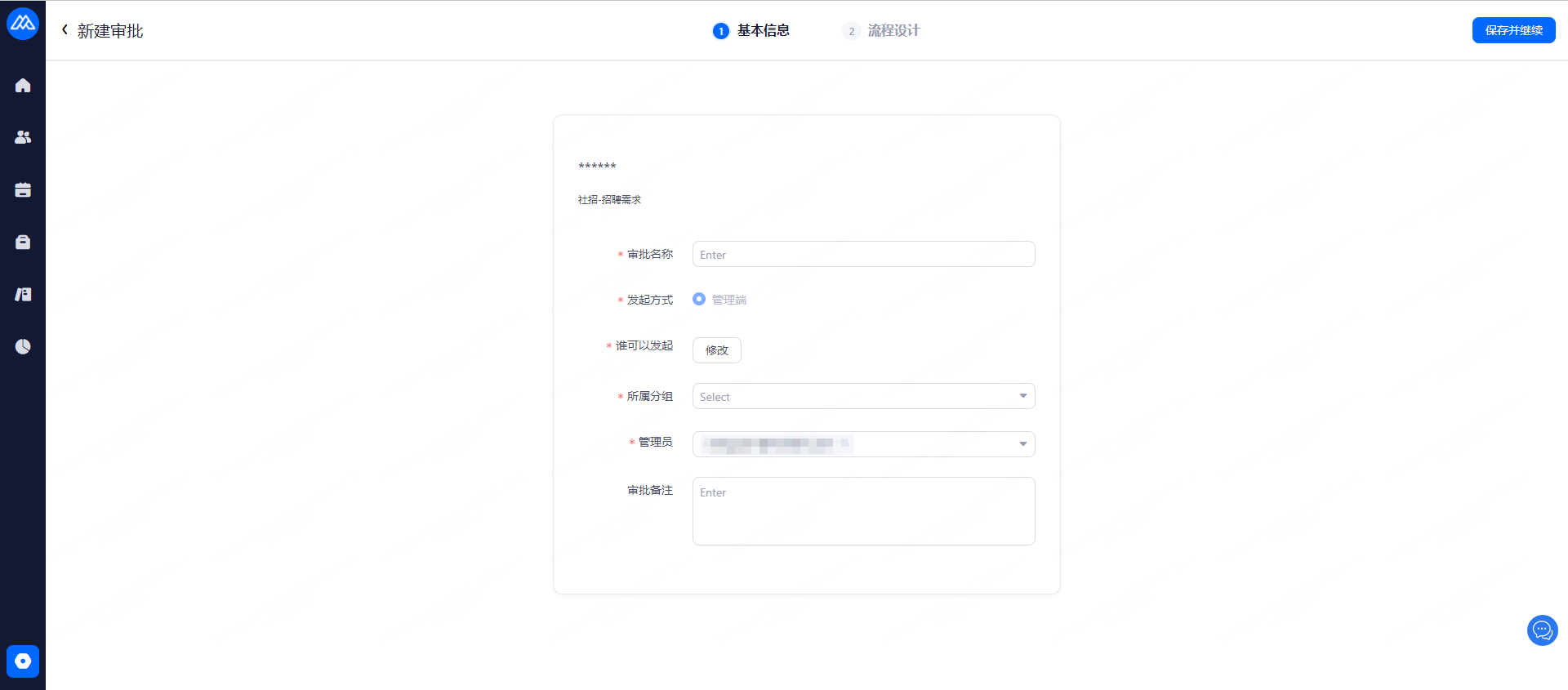
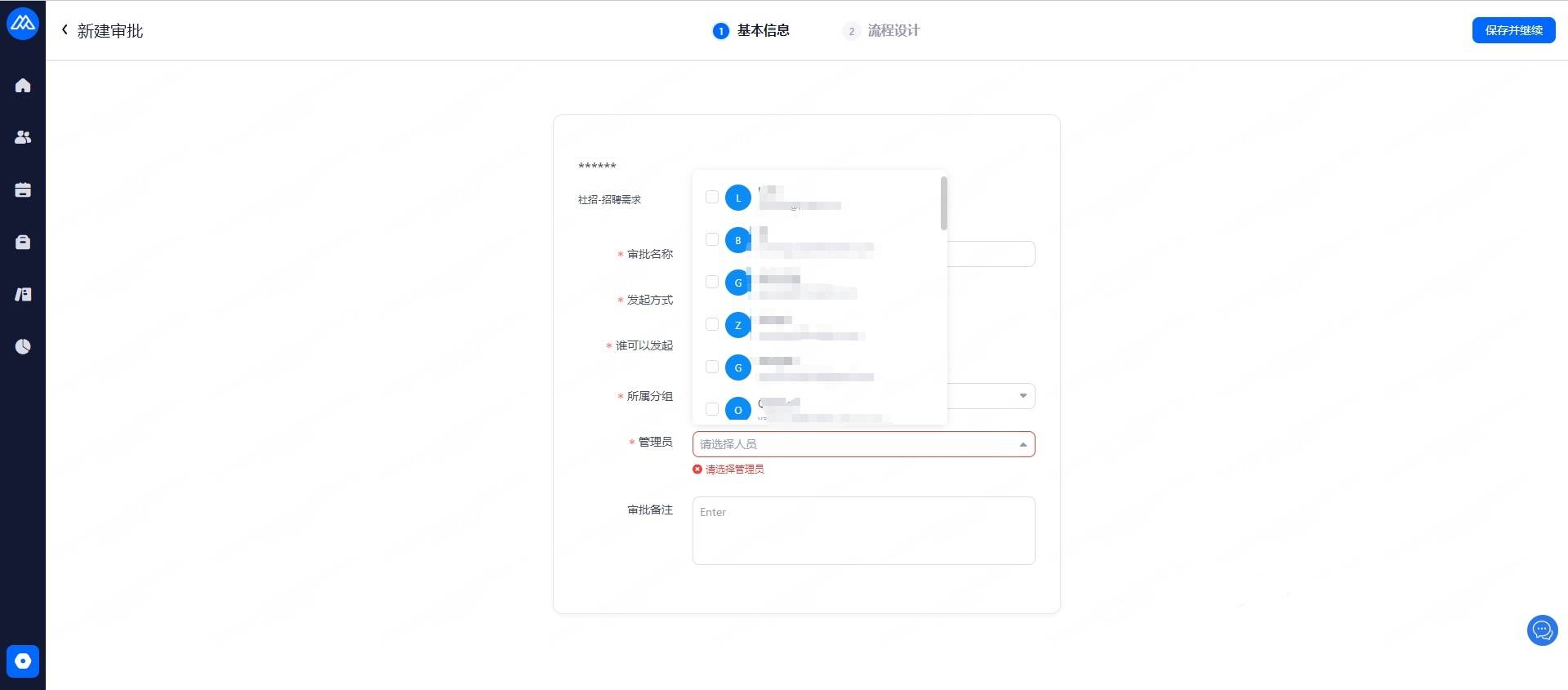
1.2 Fill in the information
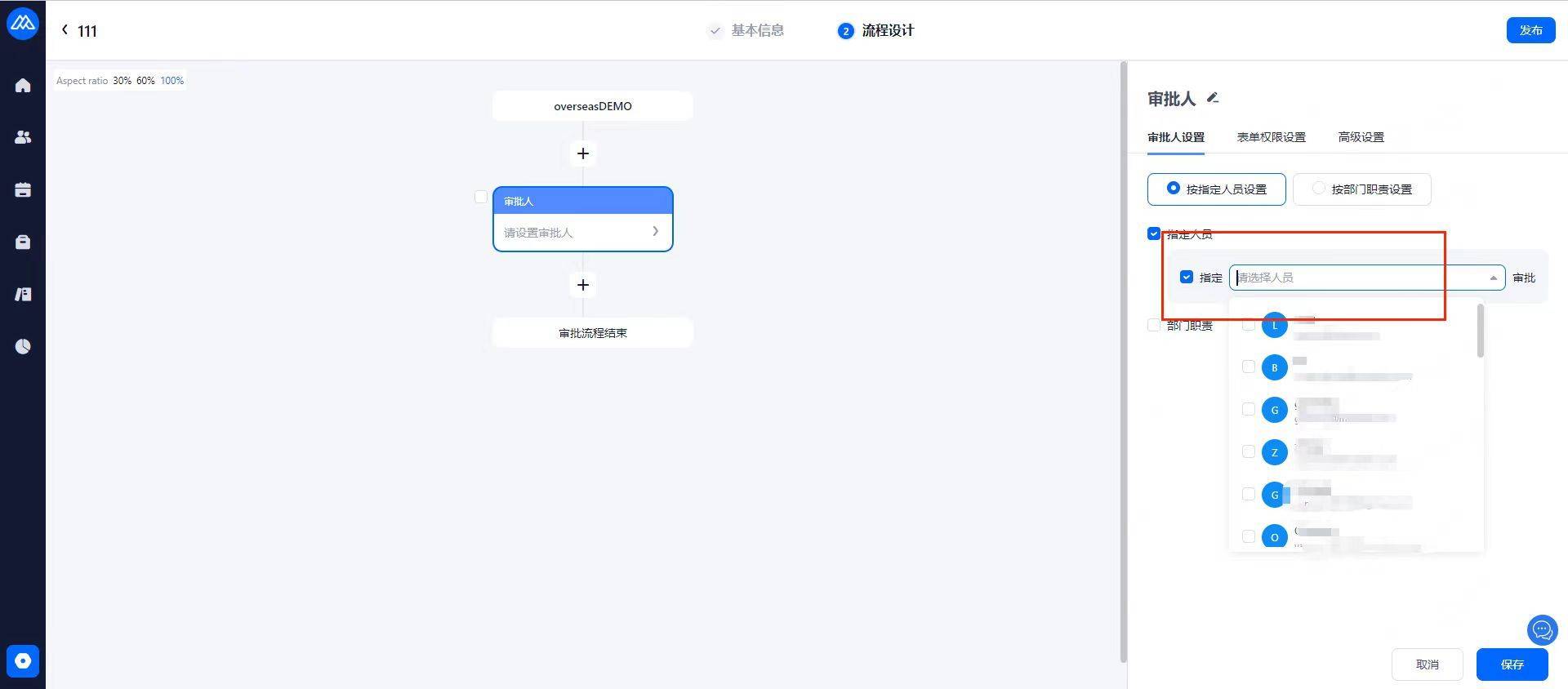
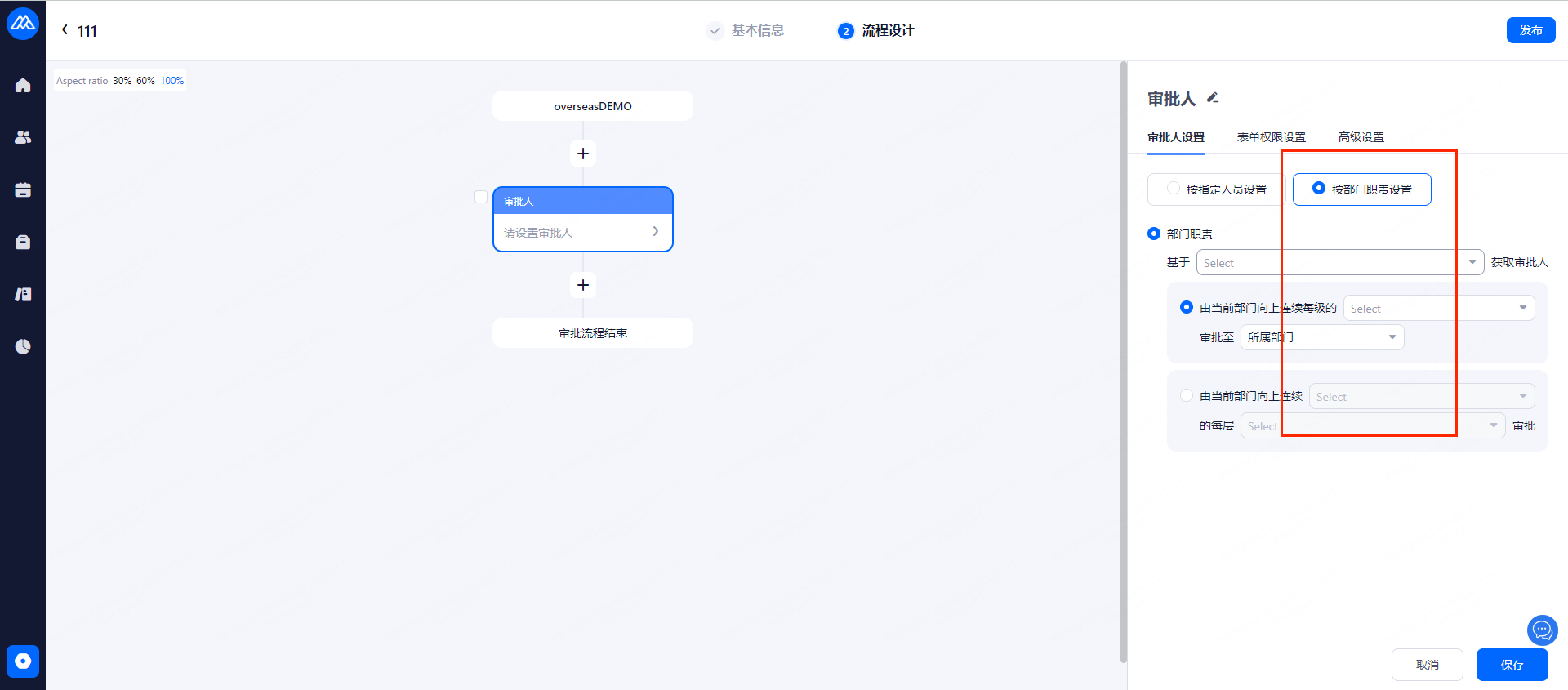
1.3 How to add approvers
To add approvers, you can select departments in batches through account selection or organizational structure.
1.4 Approval condition setting
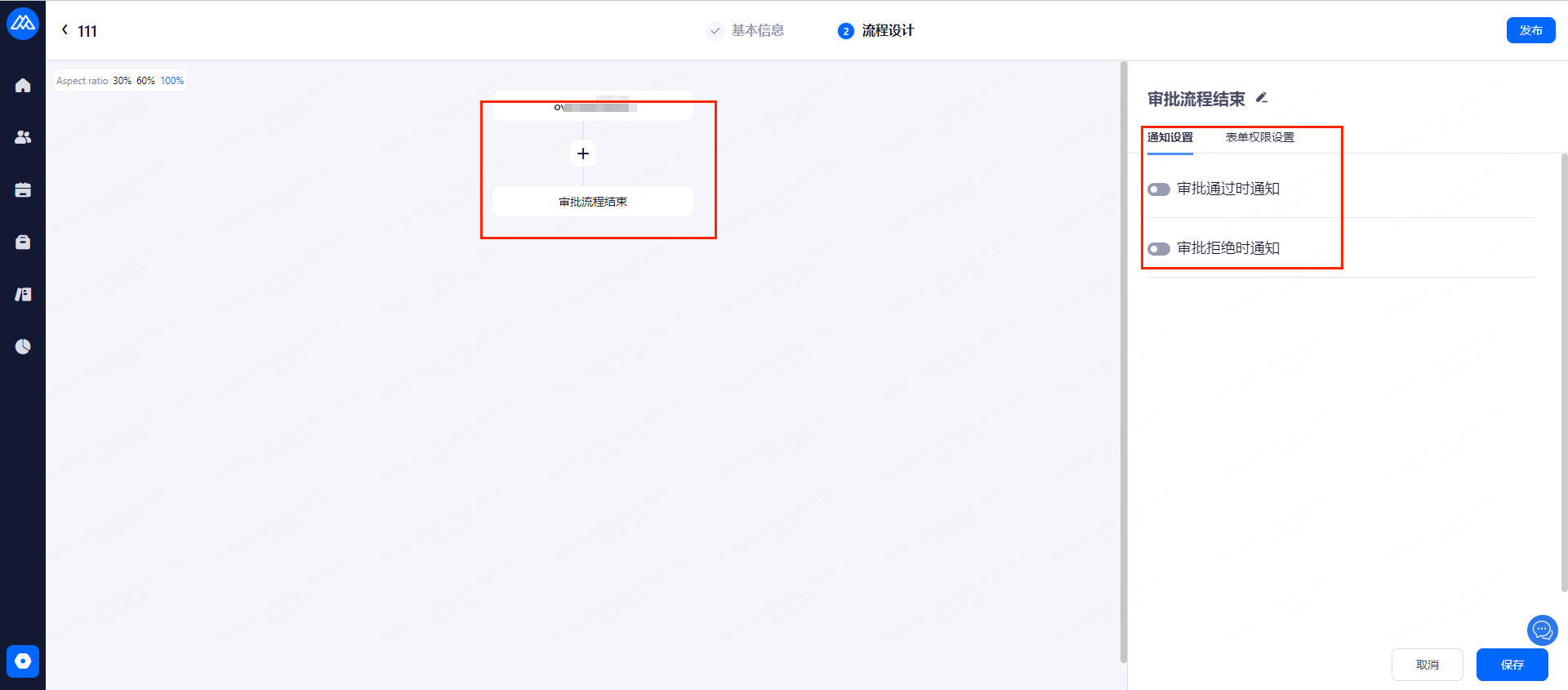
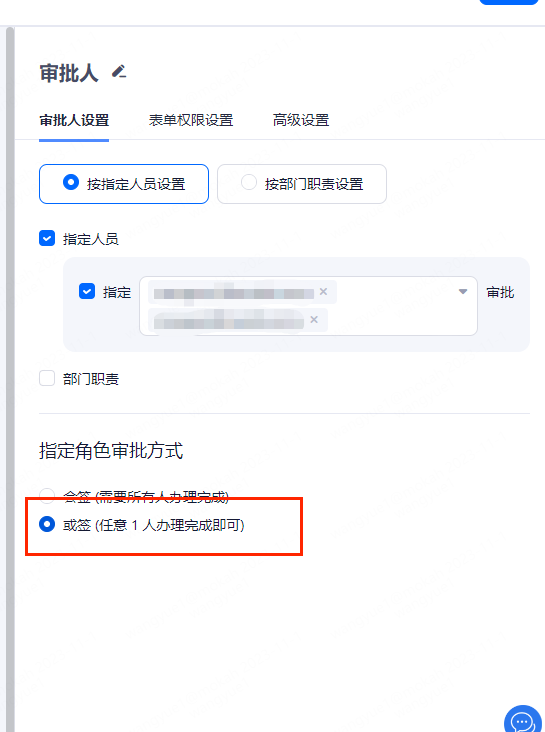
1.4.1 Or sign:
In the case of multiple approvers, an approver has made an approval, then the current approval of the stage is complete (Note: If there are added multiple stages of the approver, you need to meet the same time each stage must have an approver has made an approval, in order to complete the entire approval process).
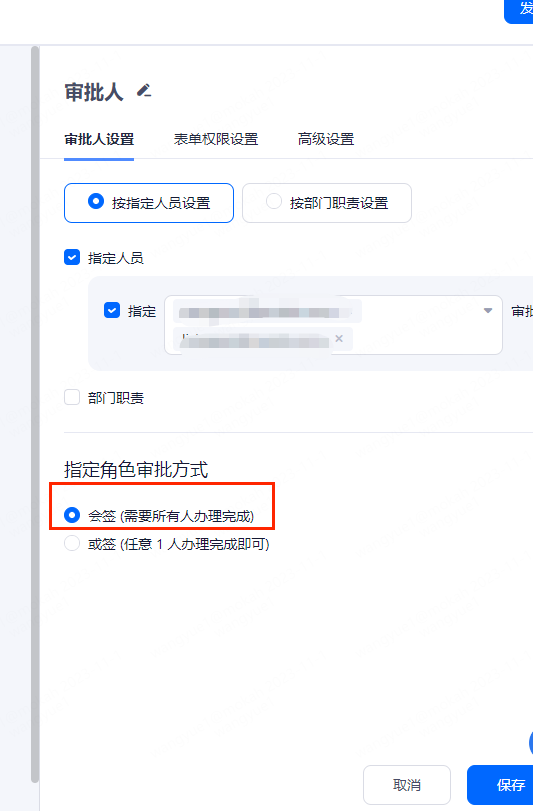
1.4.2 And sign:
When the approver has added multiple accounts, all the approvers must choose to pass, otherwise any one of the approver has done the rejection, the current stage of the approval is rejected (Note: If you have added more than approver in each stage, any one of them is rejected at any stage of the approval process, this whole approval will be regarded as rejected).
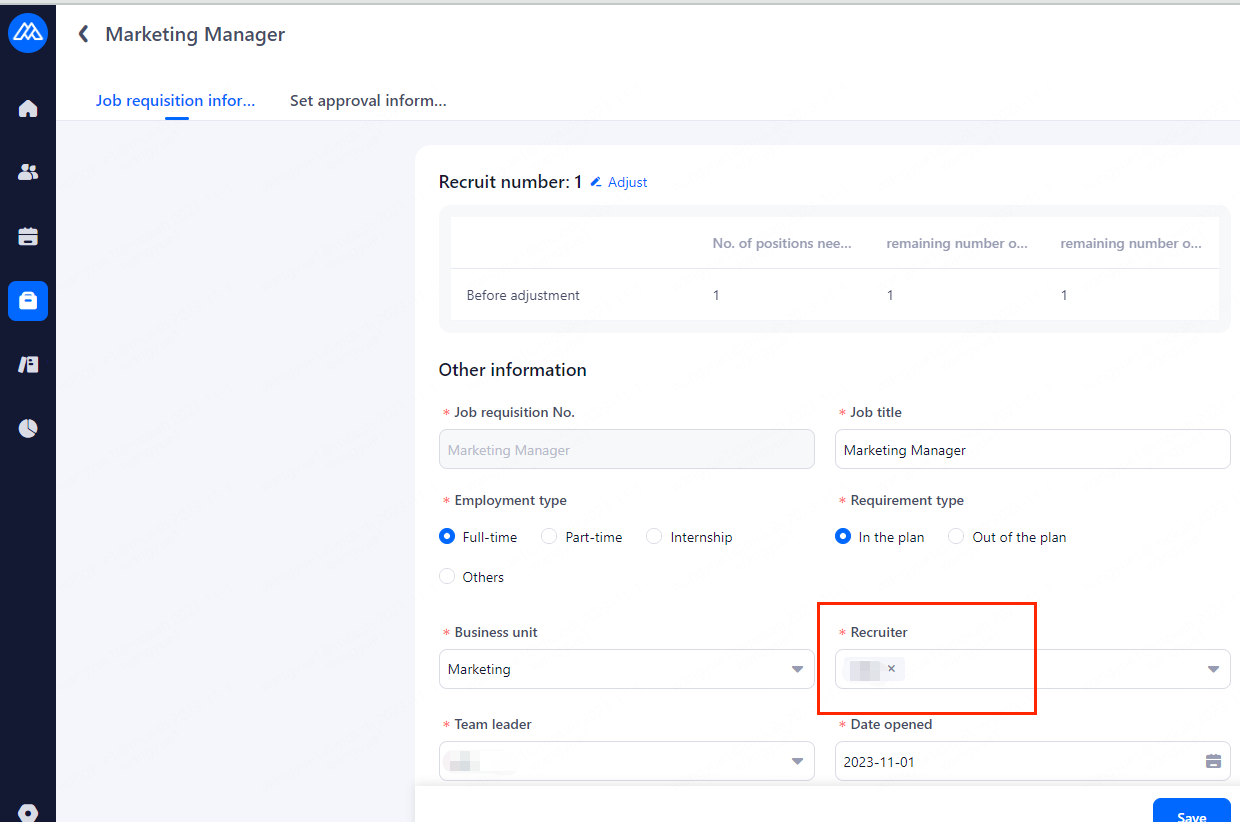
1.4.3 Specify the requisition recruiter:
When this function is enabled, the added approver must be the user account added in the field [Recruiter] in the creation of the job requisition. If the added approver is not the same as that, the approver who receives the approval email will not be able to carry out the approval either.
2. Job Requisitions General Settings
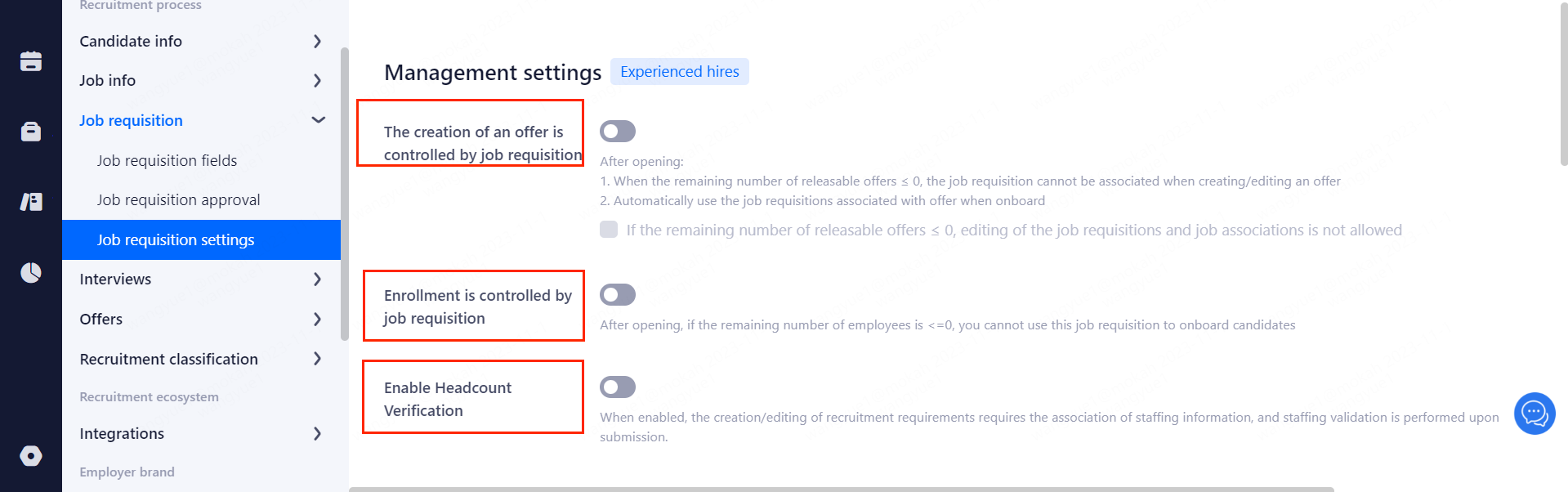
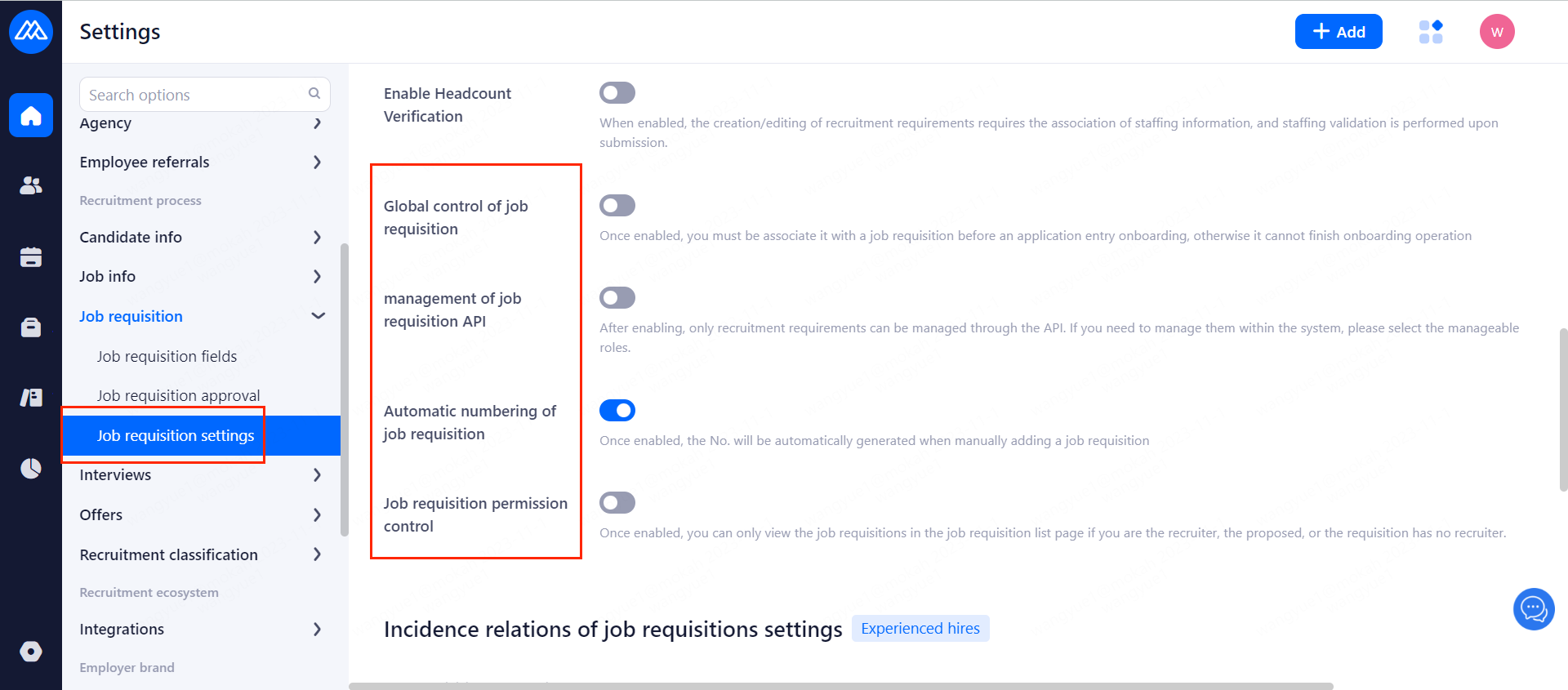
2.1 Management settings