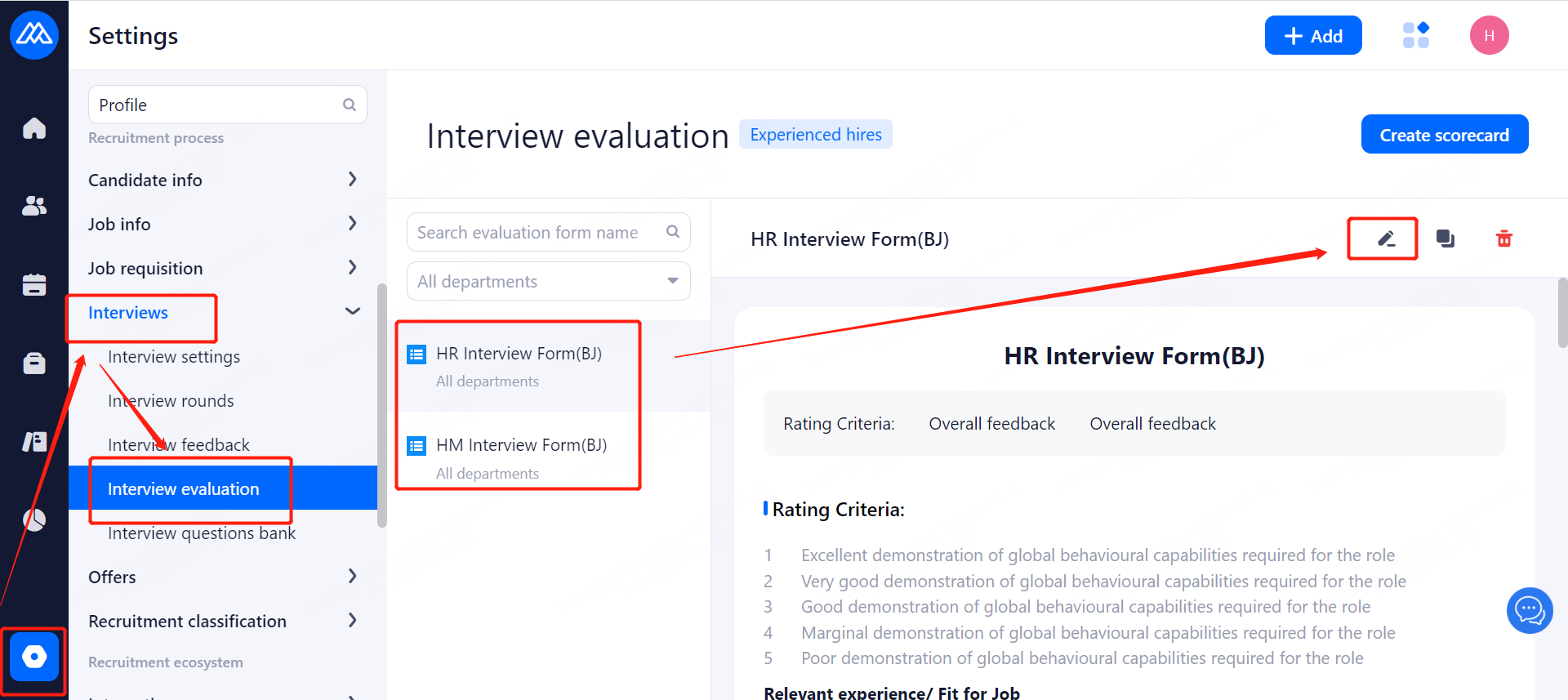
1.The use of interviewer interview evaluation form scenarios
Interviewer in the interview candidates, fill out the interview feedback, can be synchronized to submit to fill out the interview evaluation form, the system can be configured to the template of the interview evaluation form
2. How to add an interview evaluation form template
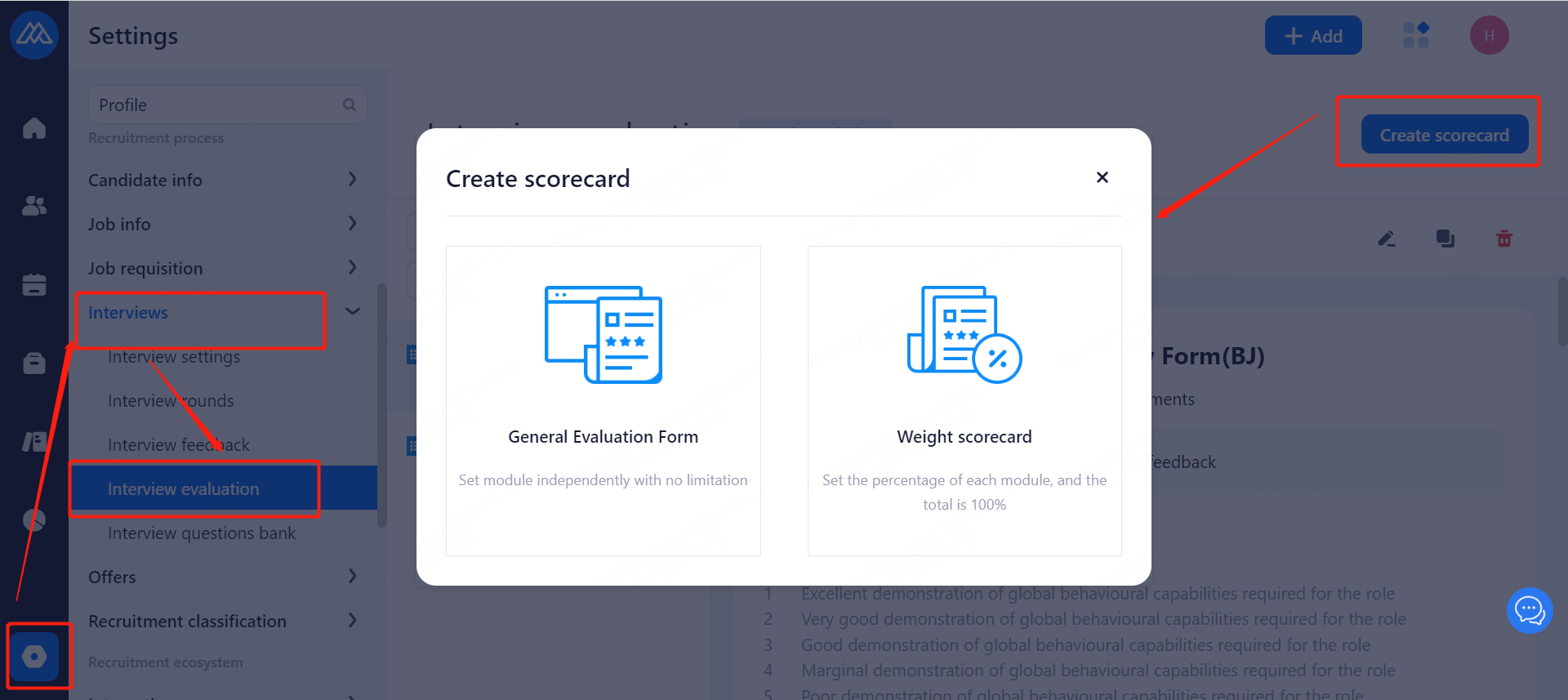
3. The rules related to the setup of the interview evaluation form
1. General overview of the interview evaluation form
(1). Fill in the name of the interview evaluation form: the name of the interview evaluation form is required;
(2). Describe the description: provide a description for this form;
(3). Select department: select the department for this table (if no department is associated with the interview evaluation form when setting up the interview evaluation form, all departments can use this interview evaluation form by default. After association, only the associated department can use this interview evaluation form);
2. Module: Click Add Module to add a module.
(1). Module title: for the title of the module, fill in the interview feedback, the title will be displayed, required;
(2). Module Description: a description of the module, when filling out the interview feedback, the description will be displayed under the module title, non-required;
(3). Select the module's score calculation rules: you can choose not to calculate the score, calculate the average score, calculate the total score, calculated for the scoring questions, if the module scoring questions, both 5-point system and 10-point system, that is, if it is not uniform, you can not choose the average score;
3, module settings: mouse hover module upper right corner, you can choose to delete the module, move up the module, move down the module
(1). Delete module: click delete module, you can delete the whole module;
(2). Move Up Module: click to move the module up, the first module cannot be moved up;
(3). Move module down: click to move the module down, the last module cannot be moved down;
(4) Add questions: Click Add Questions to add questions under this module, and the questions added will be displayed under this module when filling out the feedback.
(1). Title: fill in the title of this topic, required;
(2). Description note: describe this topic, non-required;
(3). Select the type of question: scoring question, single choice question, multiple choice question, description question;
Scoring questions: 5-point system and 10-point system can be selected;
Scoring overview: if you turn on the switch, then after scoring, an input box will appear to describe why it is scored this way; if you turn off the switch, there will be no such input box;
Single-choice questions: options can be set, with a minimum of two;
Multiple choice questions: options can be set, with a minimum of two settings;
Description of the question: do not need to set;
5、Title setting: after the mouse hover title, the right side of the settings appear
Required: after turning on the switch, then the sub-title is required;
Copy: after clicking, you can copy and paste below this sub-topic;
Delete: delete this sub-topic;
Move up: click to move the topic up, the first topic cannot be moved up;
Move down: click to move the question down, the last question cannot be moved down;
4. How to Modify an Interview Evaluation Form Template