





All doc

System Applications

Jobs and Requisitions
Jobs and Requisitions
Interview&Offer
Candidates&Talent pool
Candidates&Talent pool
Recruitement Process
Hiring Manager
Operation Manual
BI Report
Basic Instruction
Common Questions

Setting up and utilizing the offer approval process
Last updated 2023/11/27 Reading number 8


1. System global settings
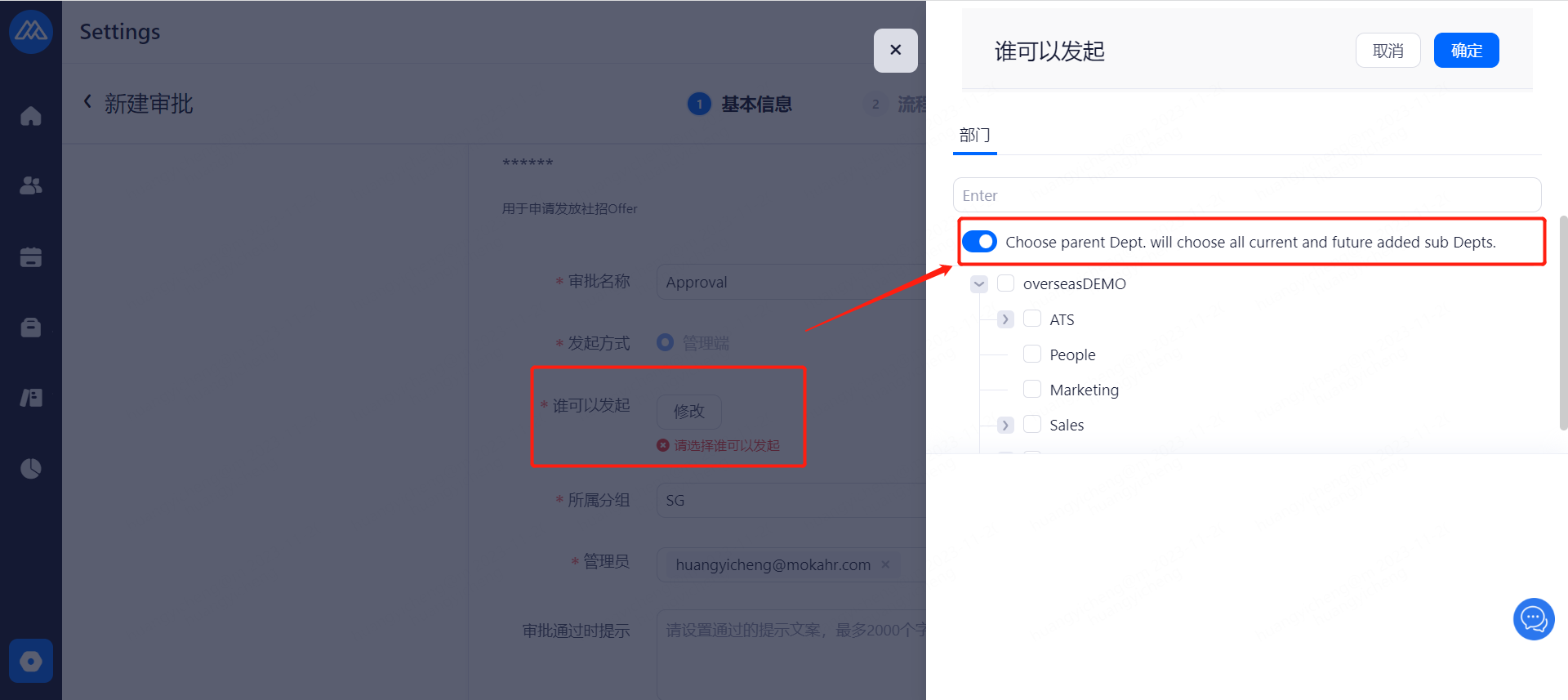
Offer approval is mandatory for all positions after opening
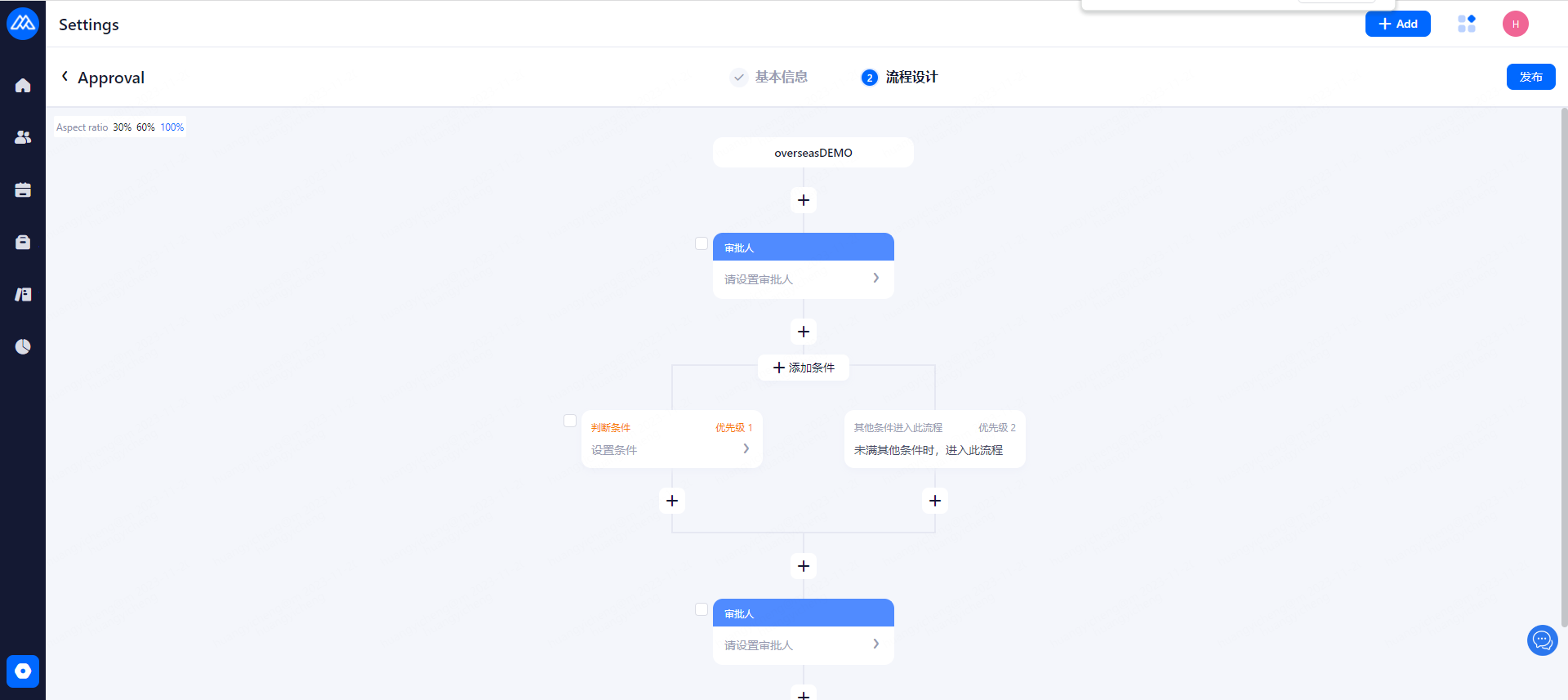
Edit: you can adjust the approval process has been created by the approver, approval judgment conditions, belong to the visible department, approval process name, approval of whether the field is visible and approval of the system notification after the approval of the push settings
Disable: you can disable the approval flow does not allow the use of
2. How to set approval results for multiple approvers
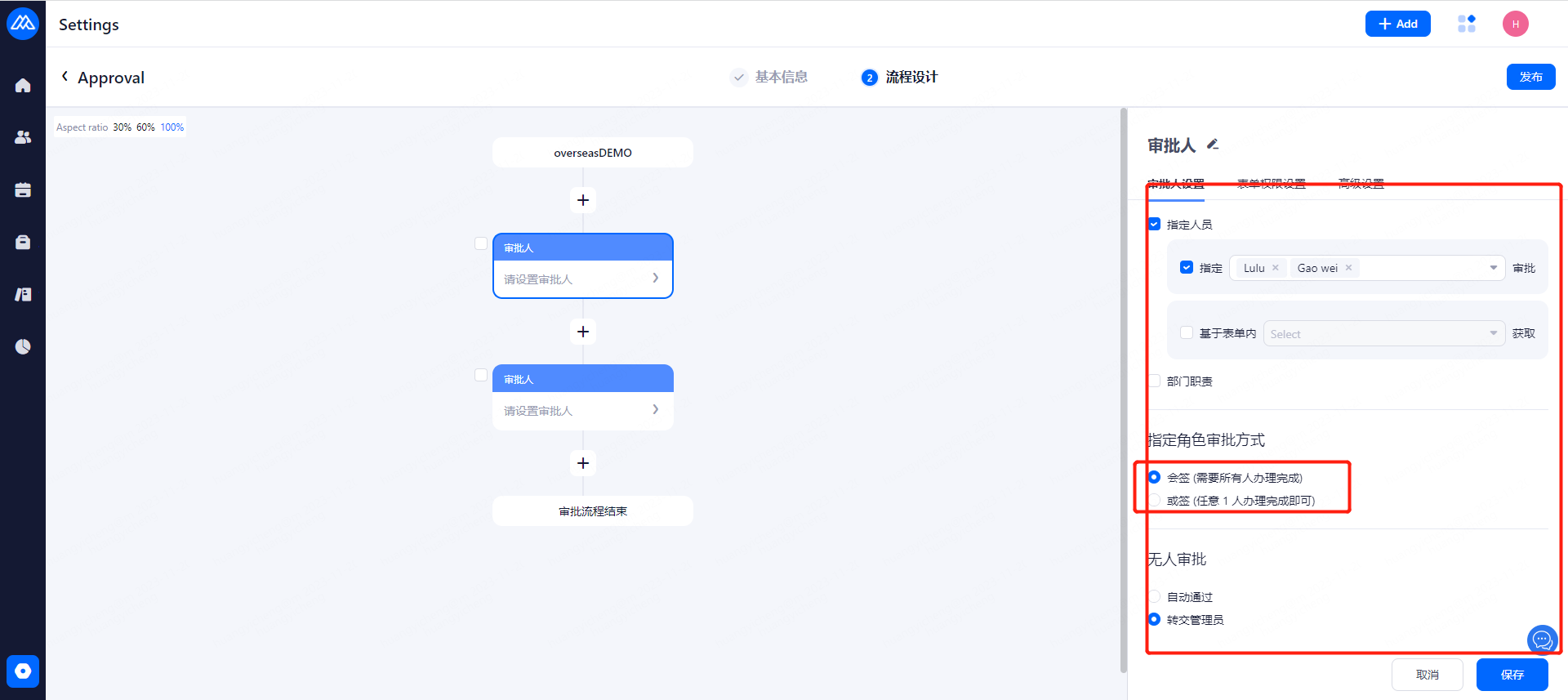
1, or : For example, when the approver is A and B, A choose to pass or reject, the approval flow will be passed or rejected;
2, and: must be all nodes of all approvers to do through the process approval through, which any one of the approver operation of the refusal, the approval will be directly displayed as rejected;
Evaluate this document
Helpful
No help
