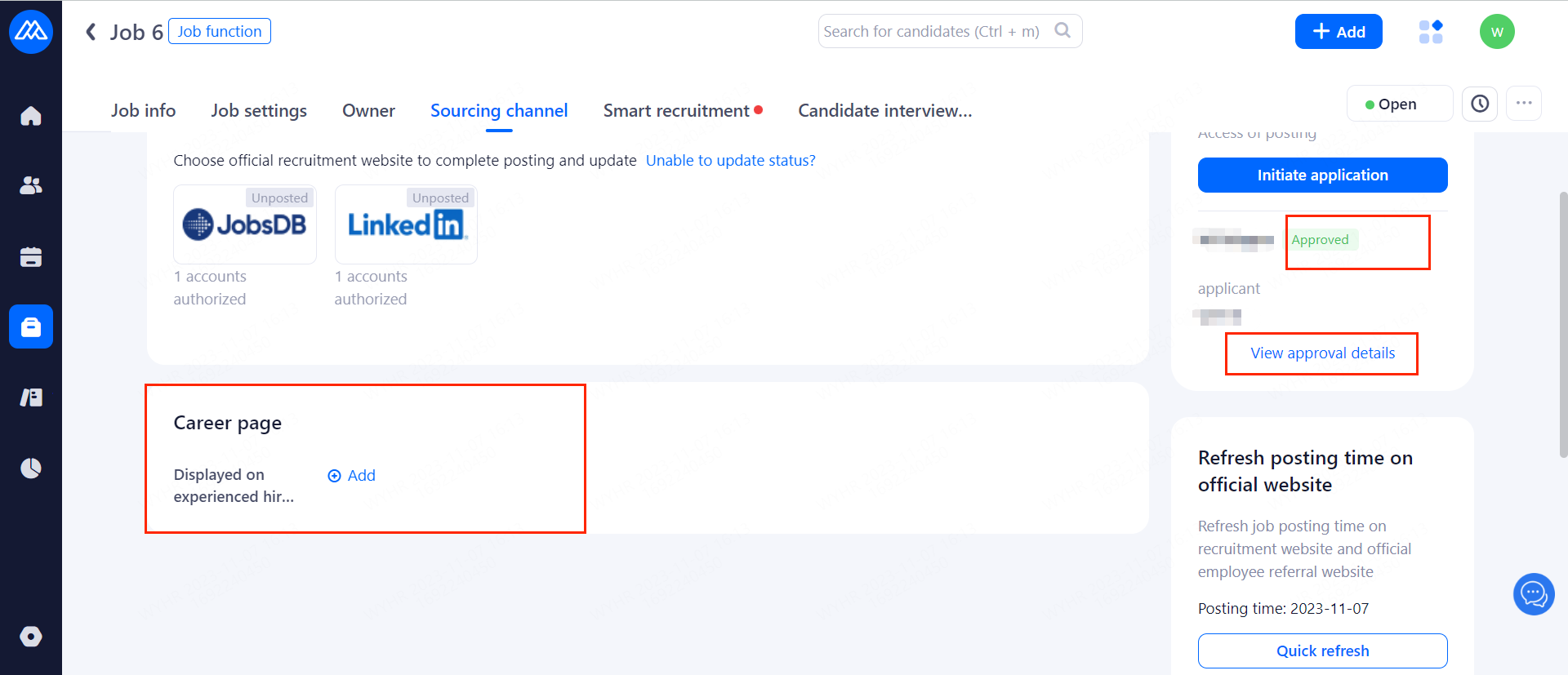
1.Definition
Job approval means that after hitting the enable button and checking the corresponding sources, positions created by HR/Hiring manager who do not have source posting permissions are required to apply and be approved by relevant personnel before they can post jobs. On this page, your company can choose whether to enable approval for each position and position info.
Tip: Super administrators are not limited by the approval.
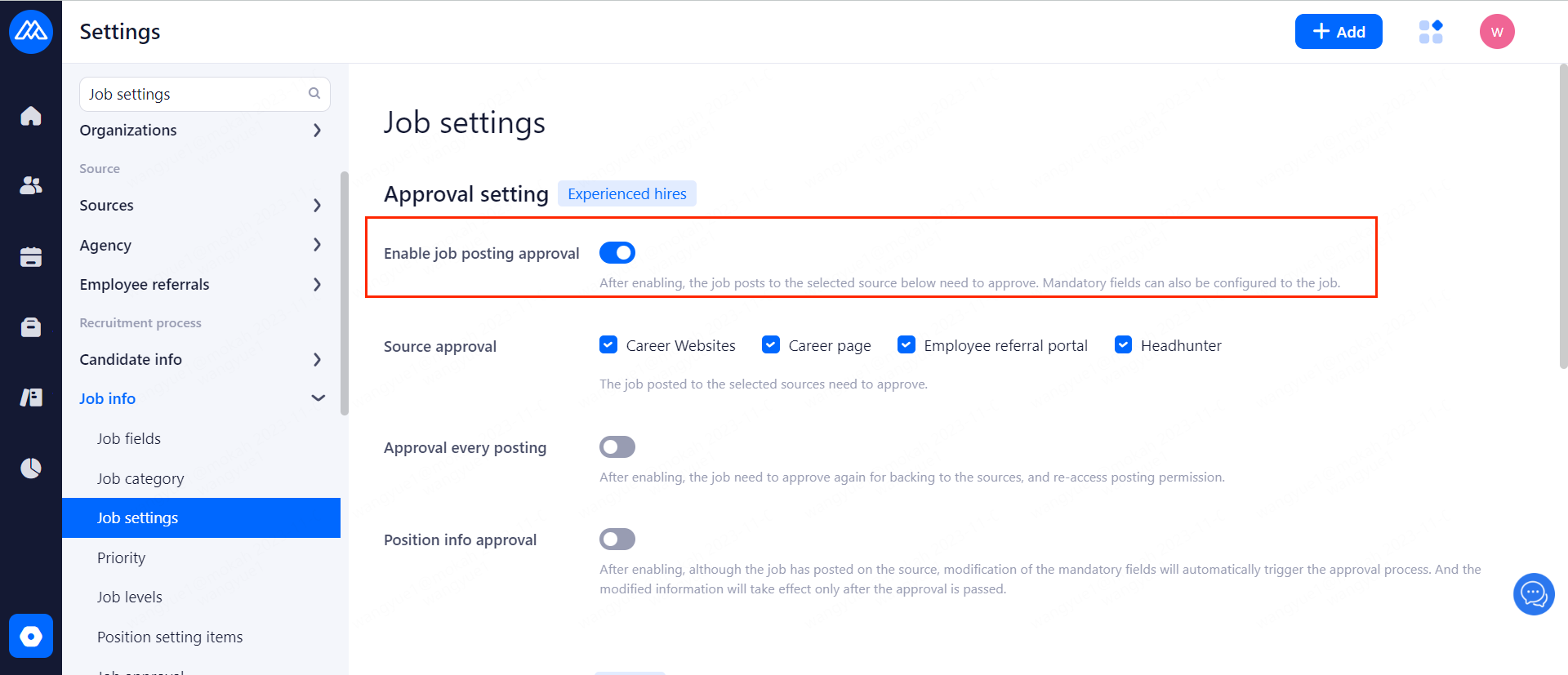
2.How to Create a Job Approval Process
Operation Path: [Settings]--[Job Approval]--[Create an approval process]
You can manage your approval processes in groups.
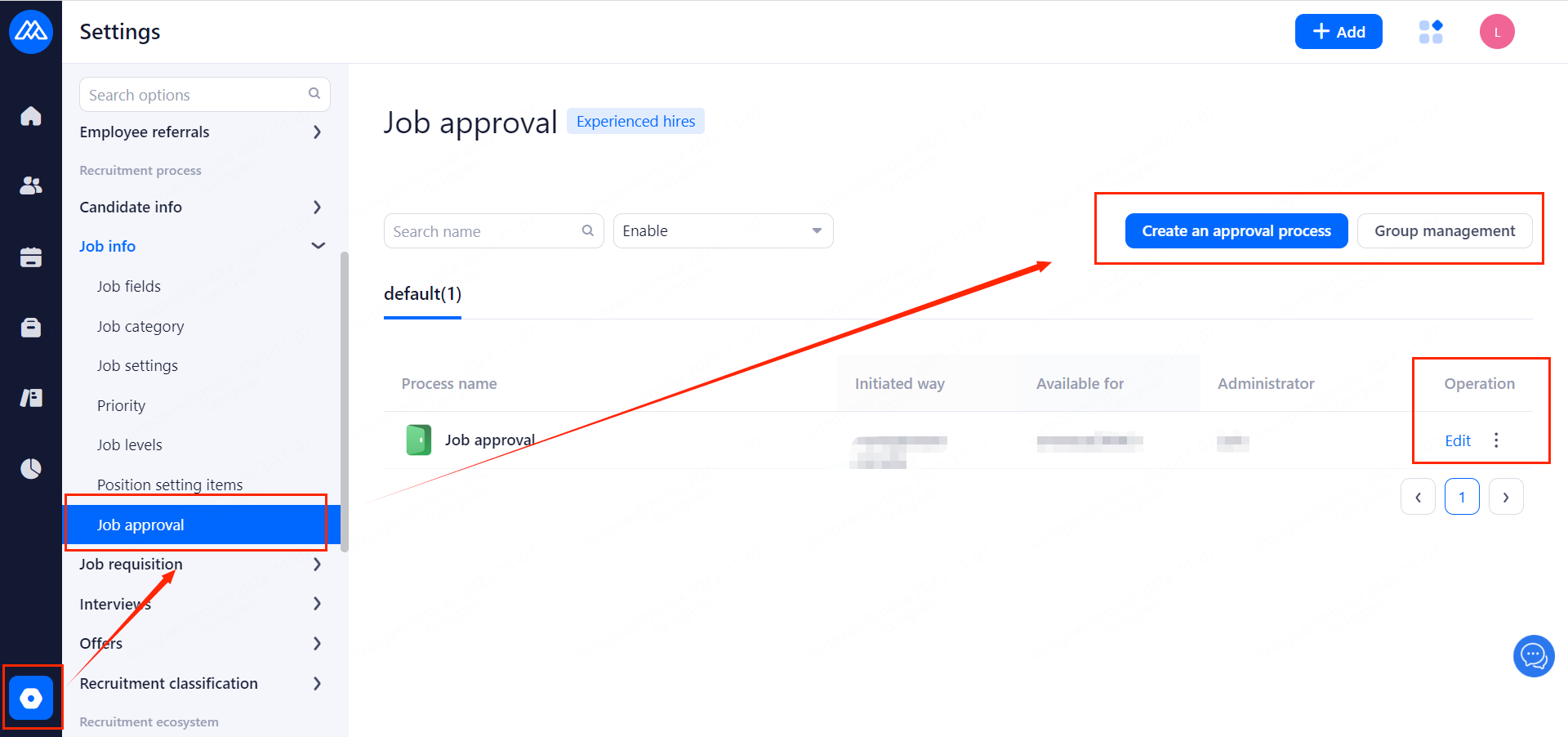
3.HR/Administrator Initiate Position Approval
a. After submitting in the [Sourcing channel] page click on [Initiate application] and select the source to be posted and set up the corresponding approval process.
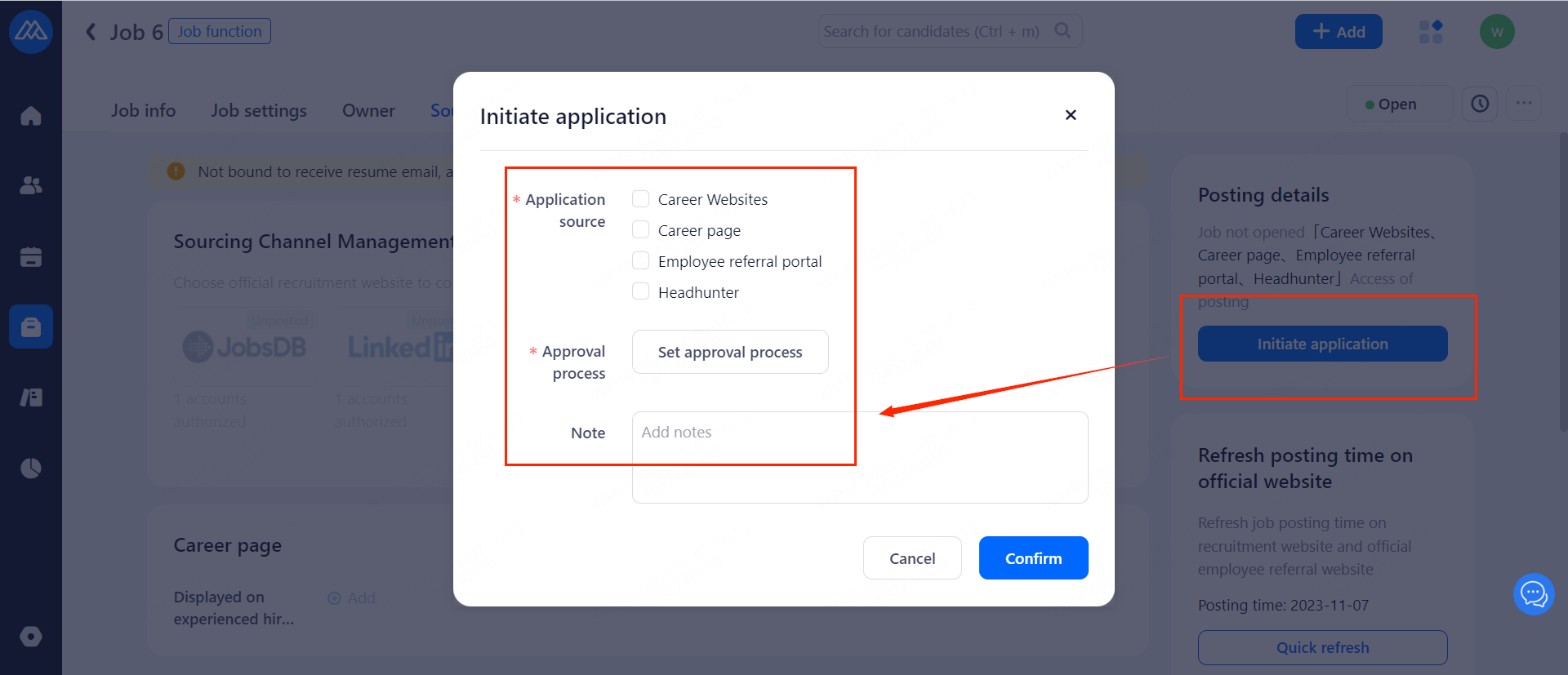
b.Once an approval has been initiated, you can withdraw the approval or press for progress.
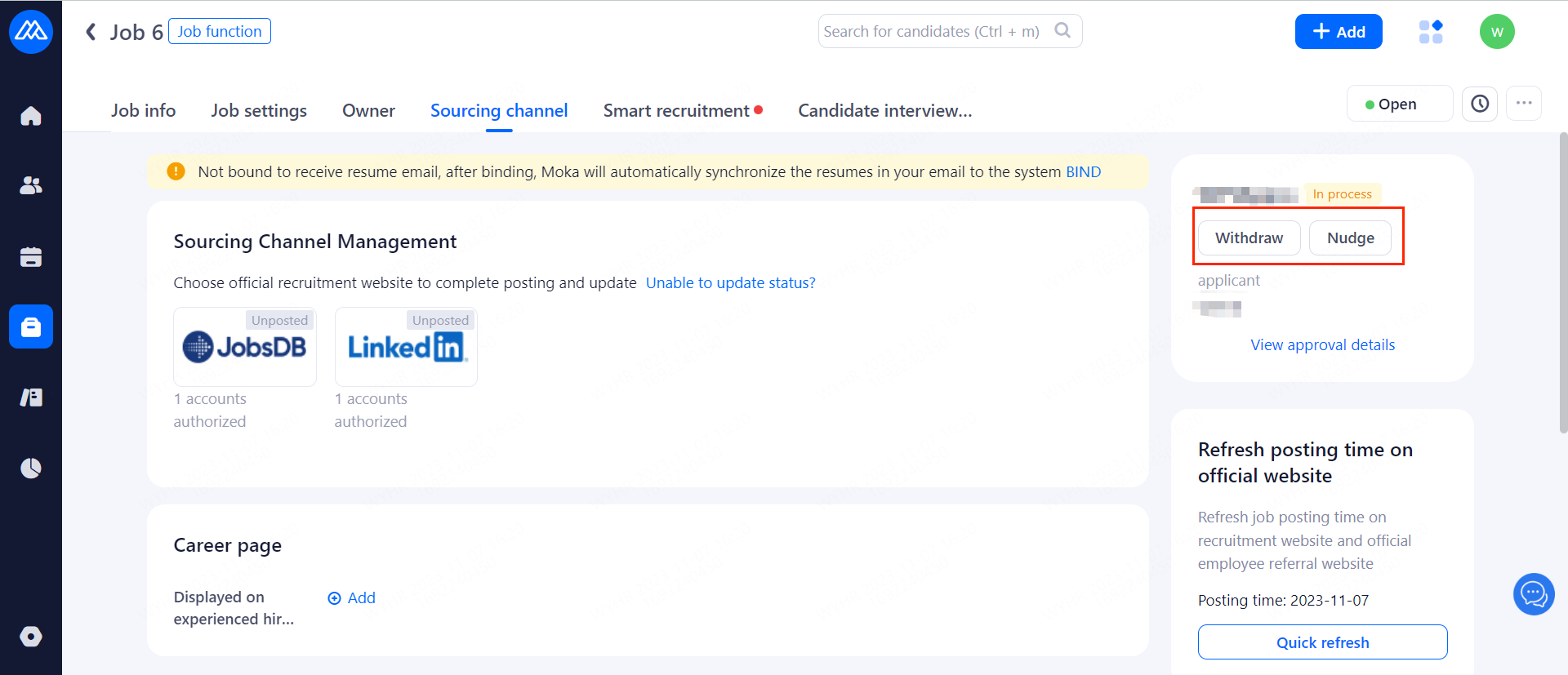
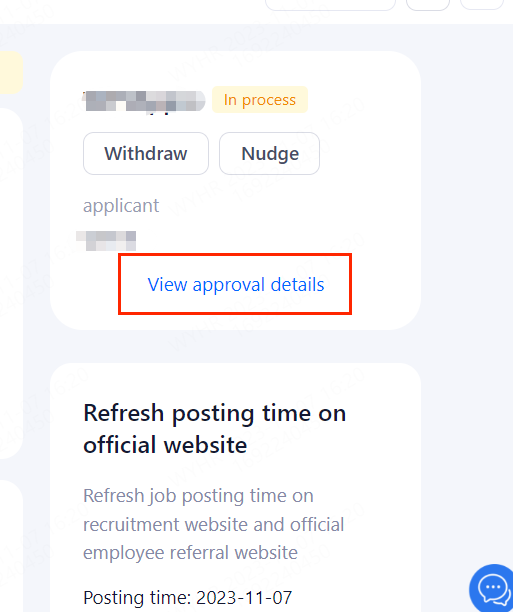
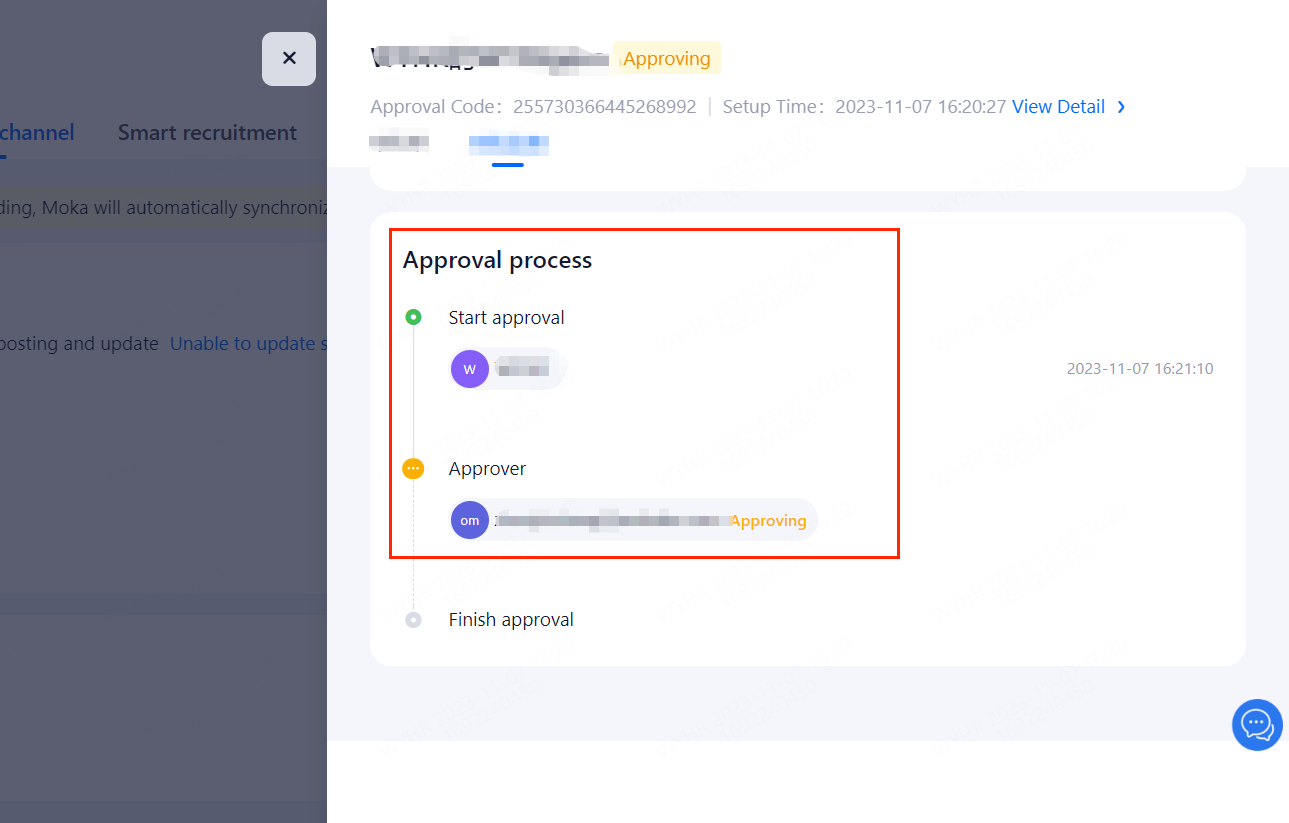
c.You can check your approval details by hitting [View approval details].
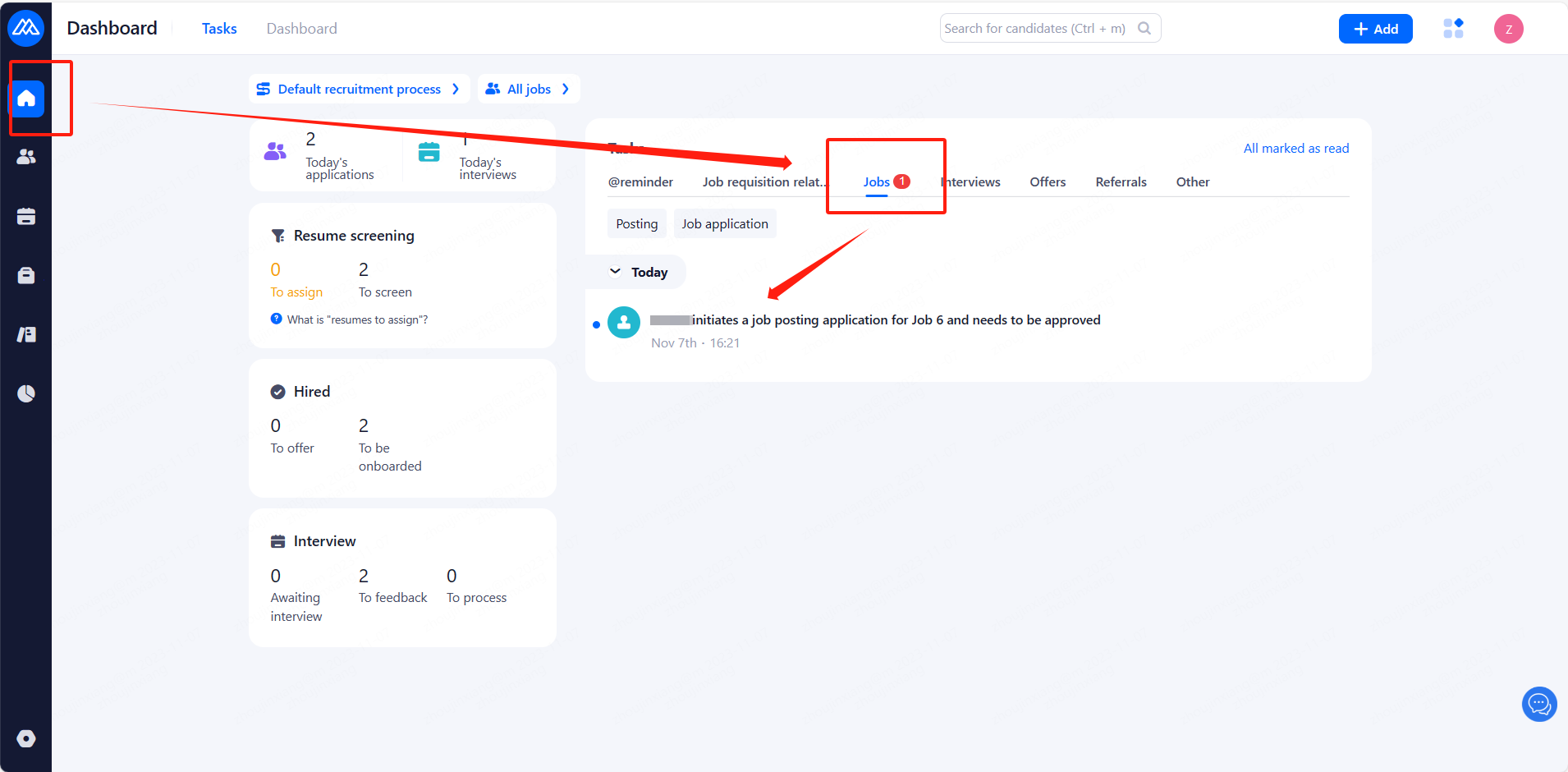
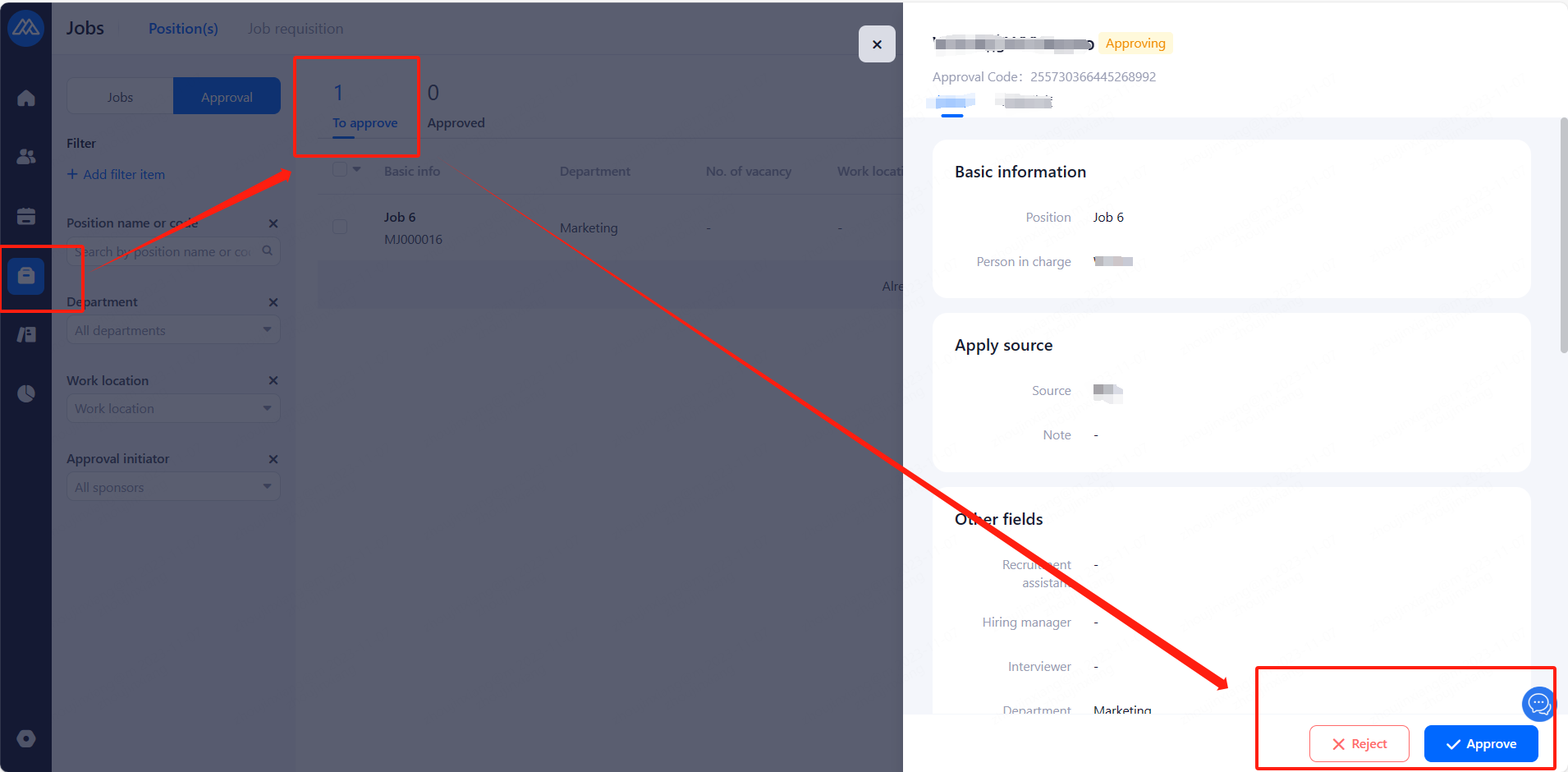
d.Follows are the pages for position approvers
4.Display Page after Approval is Complete
HR/Hiring manager can now use the apply source.